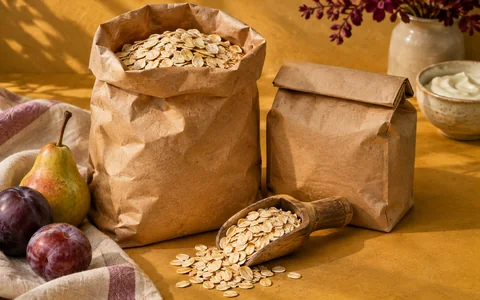
At the store
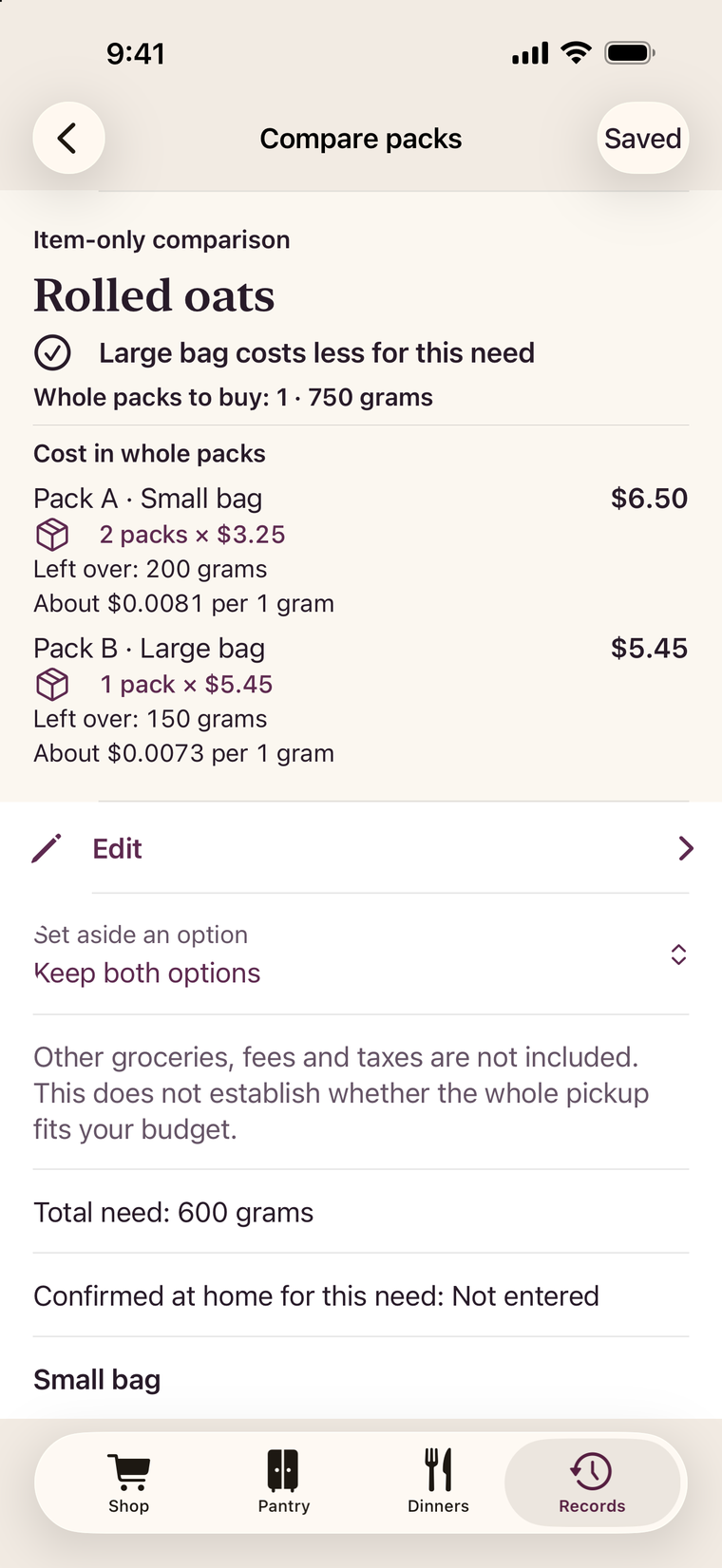
Compare the cost of two packs
Work out how many packs you’ll need and what you’ll pay at checkout.
Coming to iPhone
Plan dinner with what’s in your pantry, compare prices in the aisle, and bring home the groceries you need.
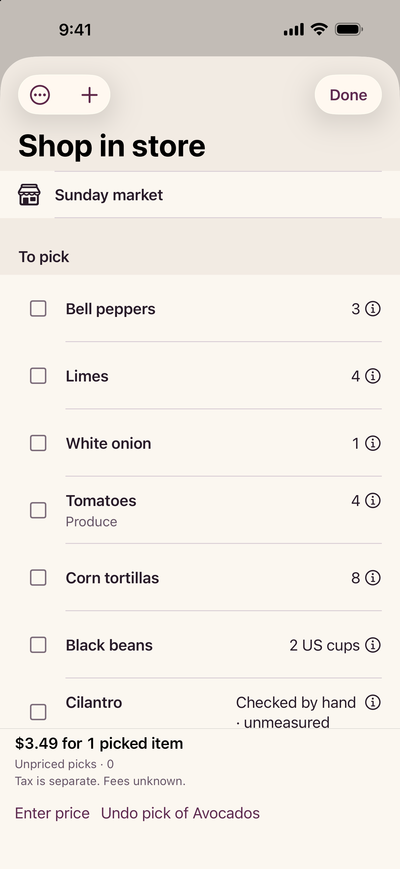
Inside the app
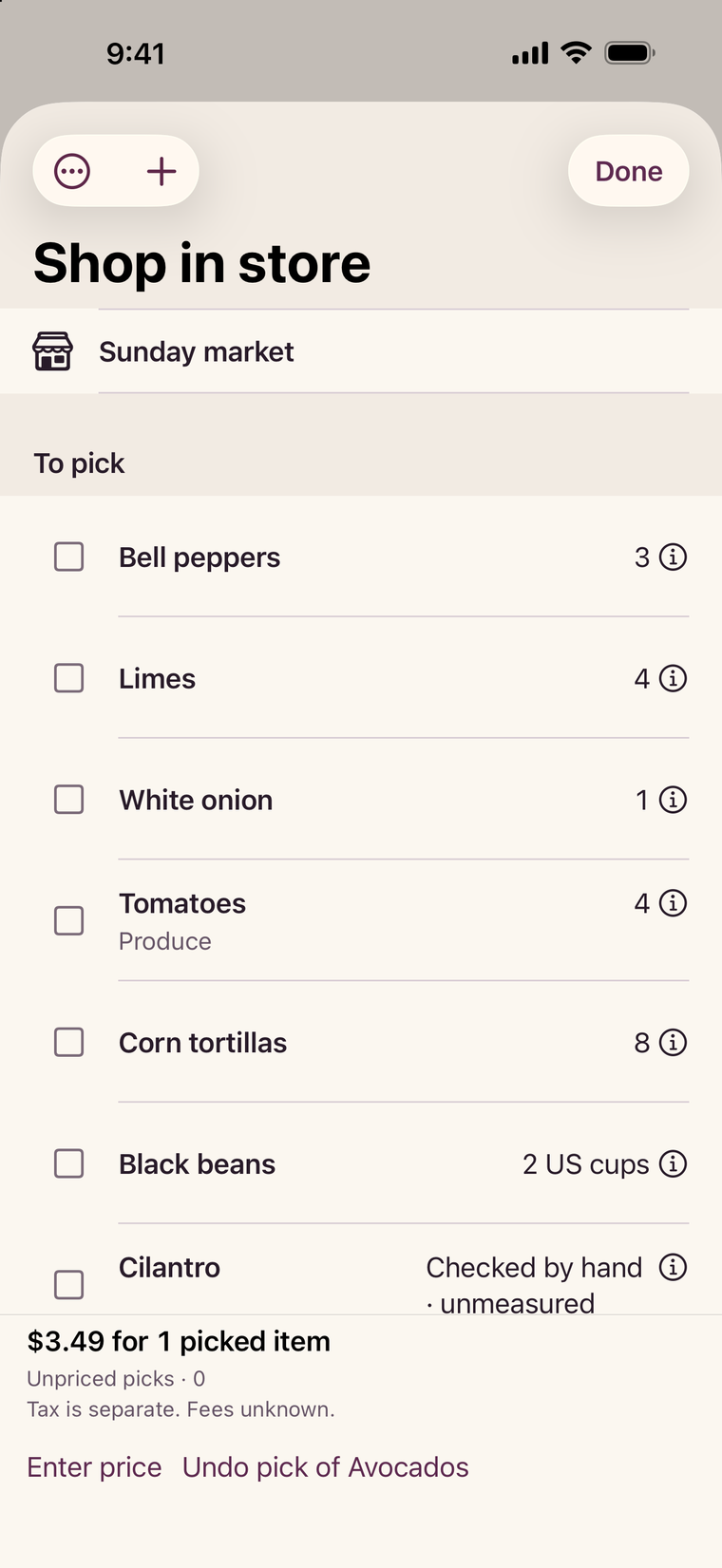
Group groceries by department and check them off as you shop. If there are only two cans on the shelf, record the two you picked up and keep the third on your list.
Compare the cost of two packsEnter the price and size of two packs of the same food. Compare how many whole packs you need, what you’d pay and what you’d have left over.
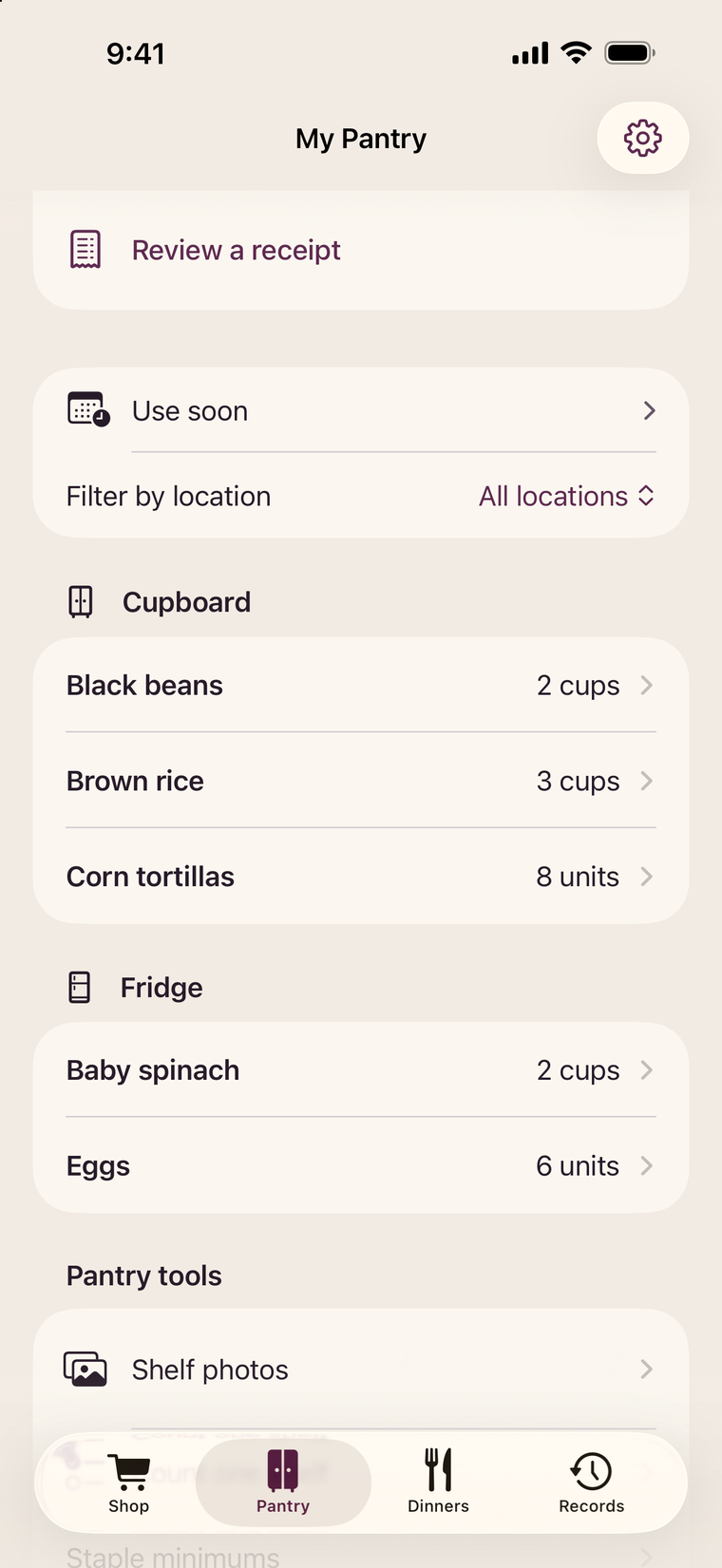
Compare the cost of two packsCheck what’s in your pantry, fridge and freezer before you shop. Choose how much to use for dinner and see what you still need to buy.
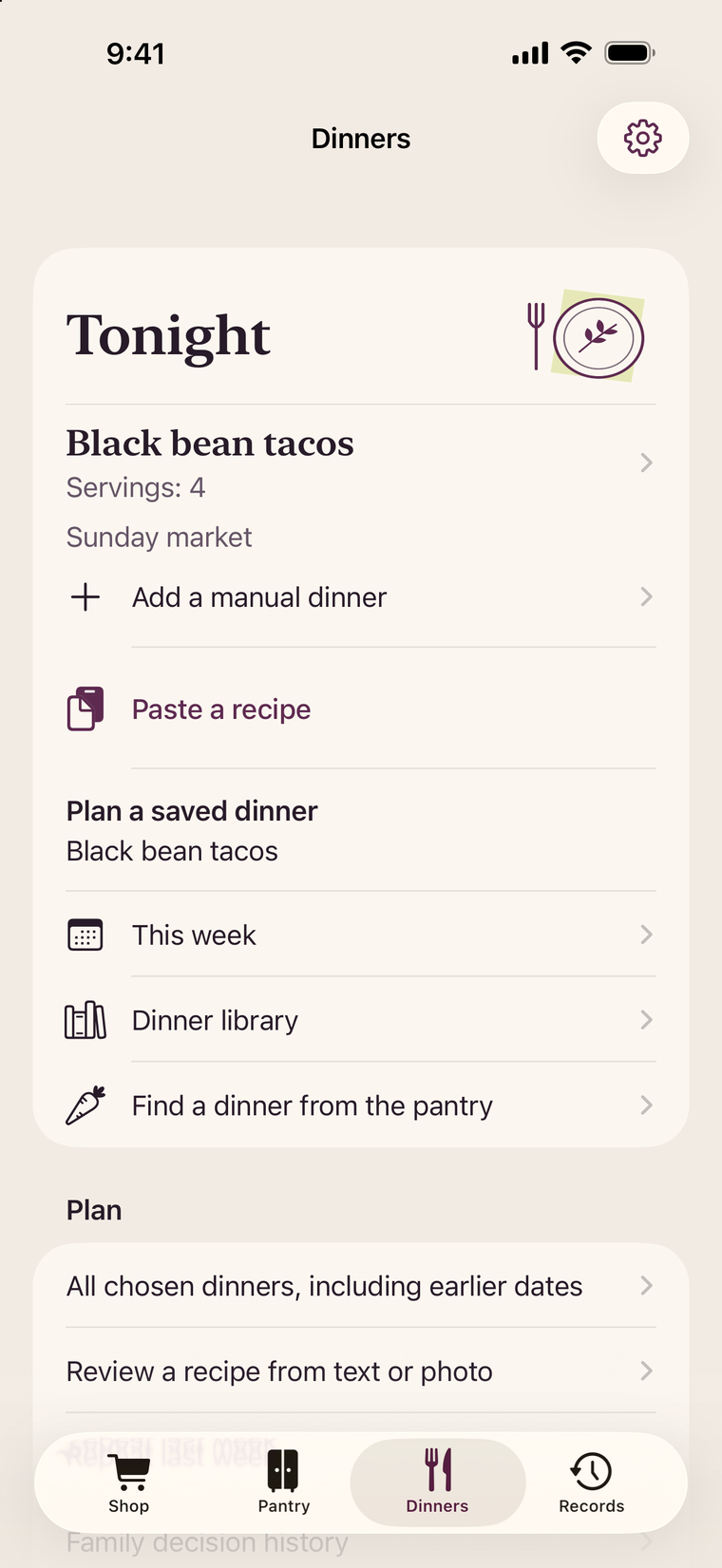
Plan dinner from your pantrySave your recipes, put dinner on the calendar and adjust the servings. Set aside tomorrow’s lunch while you’re planning tonight’s meal.
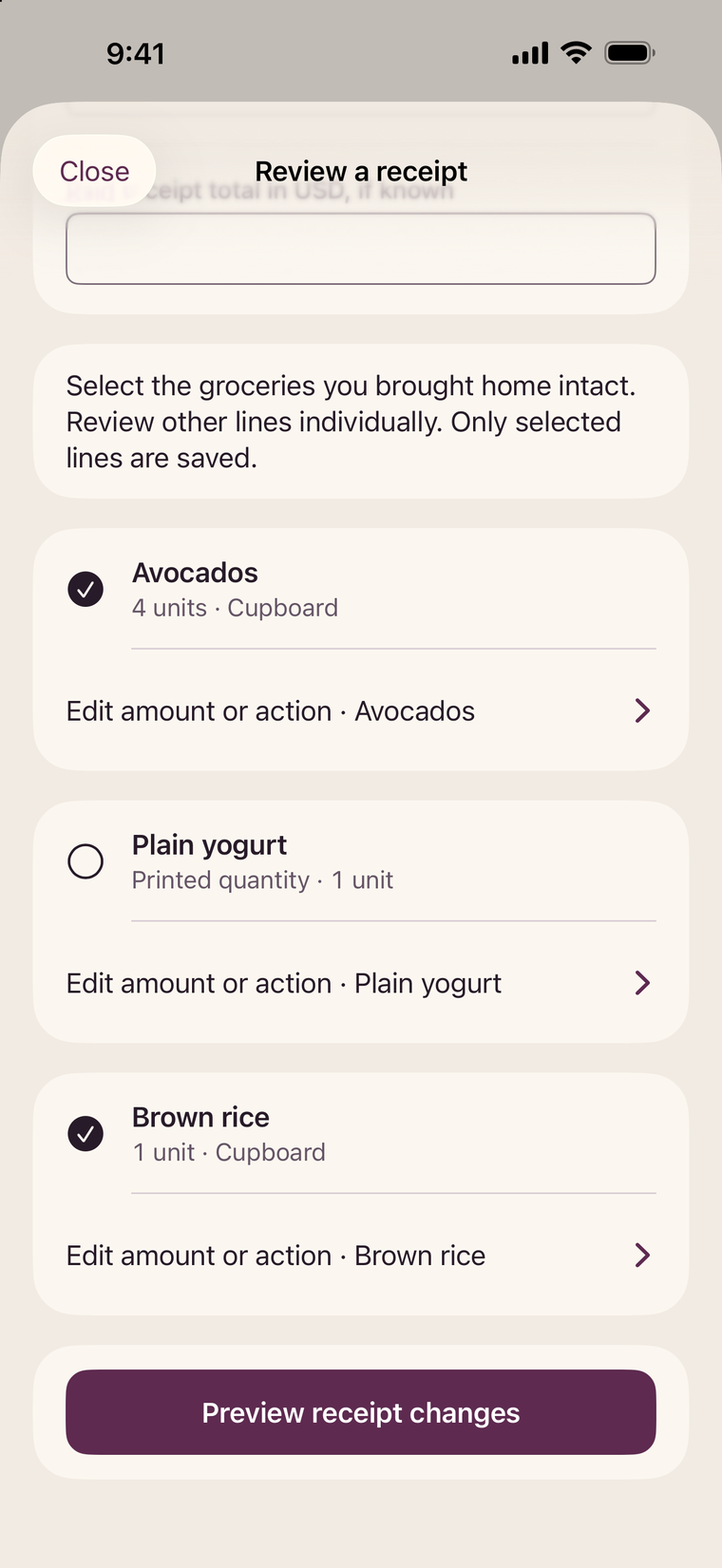
Plan dinner from your pantryOpen a receipt photo or PDF and check each line against what came home. Save the usable amount to the pantry, fridge or freezer.
From receipt to pantry shelfKitchen guides
At the store
Work out how many packs you’ll need and what you’ll pay at checkout.
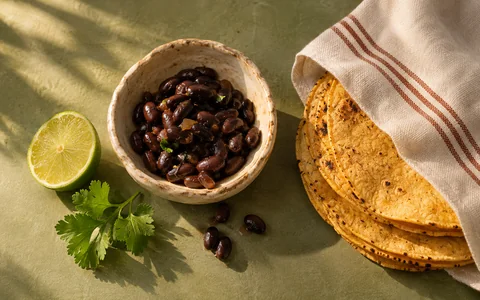
In the kitchen
Start with what’s on the shelf and put only the missing ingredients on your list.

Back at home
Check what came home, then record the amount you can actually use.
The iPhone app is planned for the United States and Mexico. The release date hasn’t been announced.
Yes. You can make a grocery list and compare pack sizes offline, without creating an account. Optional features such as looking up a barcode or importing a recipe link need an internet connection.
Grocery prices, budgets and estimates use US dollars (USD) in both languages, including in Mexico. Enter the prices you want to compare in USD.
Yes. Room in the Cart is available in English and Mexican Spanish. You can select the app’s language in Settings.